Veldsong
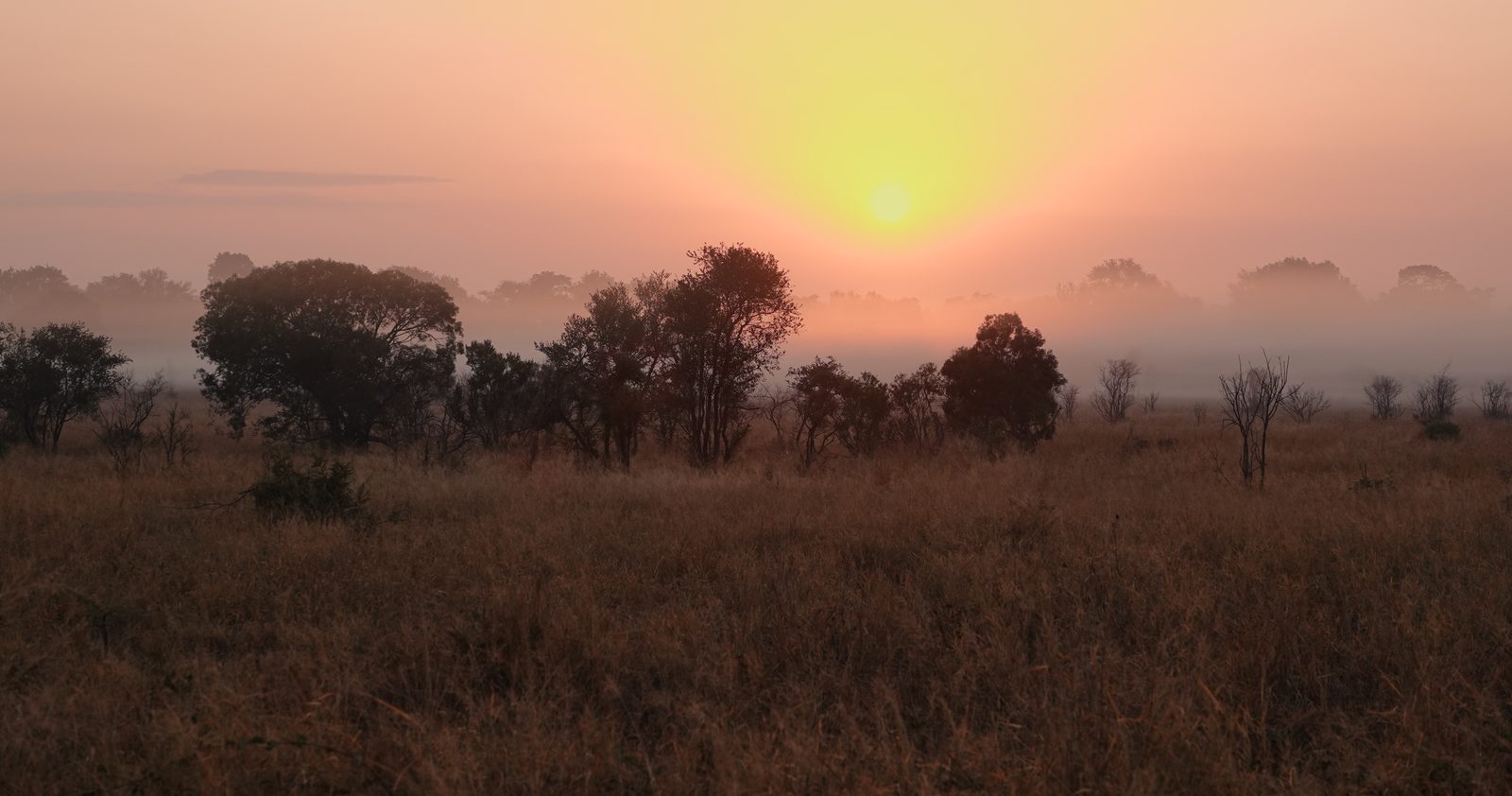
The sun rising through mist over the bush

Which bird is that?

First light at the camp fence, and somewhere in the trees a bird won't stop calling. Tap Start Listening, hold up your phone, and Veldsong tells you who it is. It knows the calls of over 360 of the park's birds and pins each bird it hears on a map, right where you heard it. No signal needed.
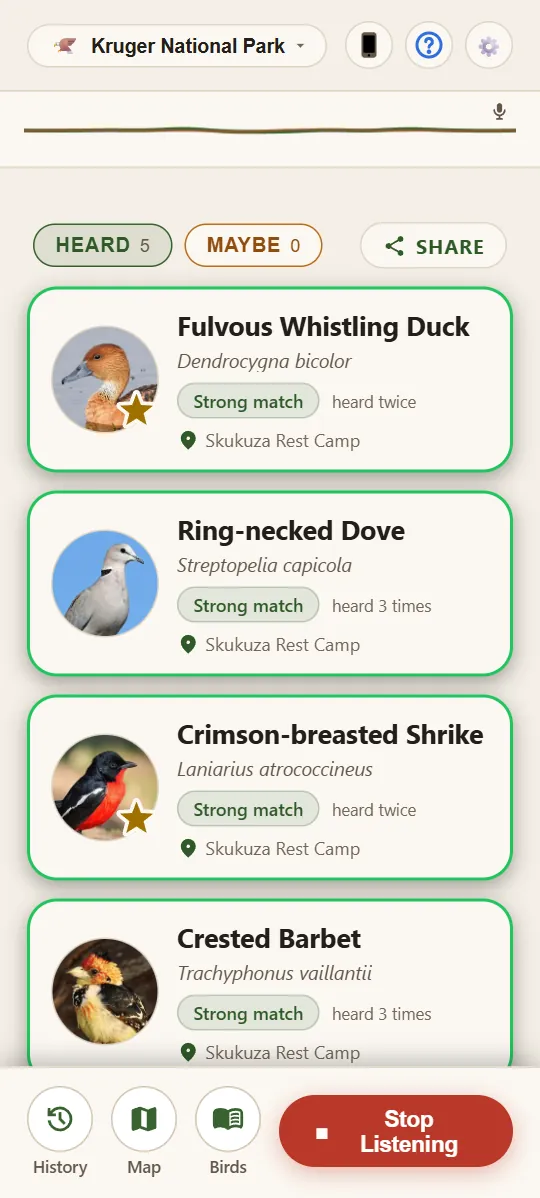
Veldsong listening, with five birds under Heard, each with its photo and where it was heard

At the camp fence

Tap once, and Veldsong names the bird

Tap Start Listening and hold your phone up in the open. When Veldsong is sure of a bird, it pops up under Heard with its name and photo. Veldsong keeps listening until you tap Stop Listening.

If Veldsong isn't quite sure, the bird goes under Maybe, a hint that it's worth another listen.

Try it here. Play the three calls one at a time and watch the phone. You'll see what Veldsong showed when we played these recordings to it.

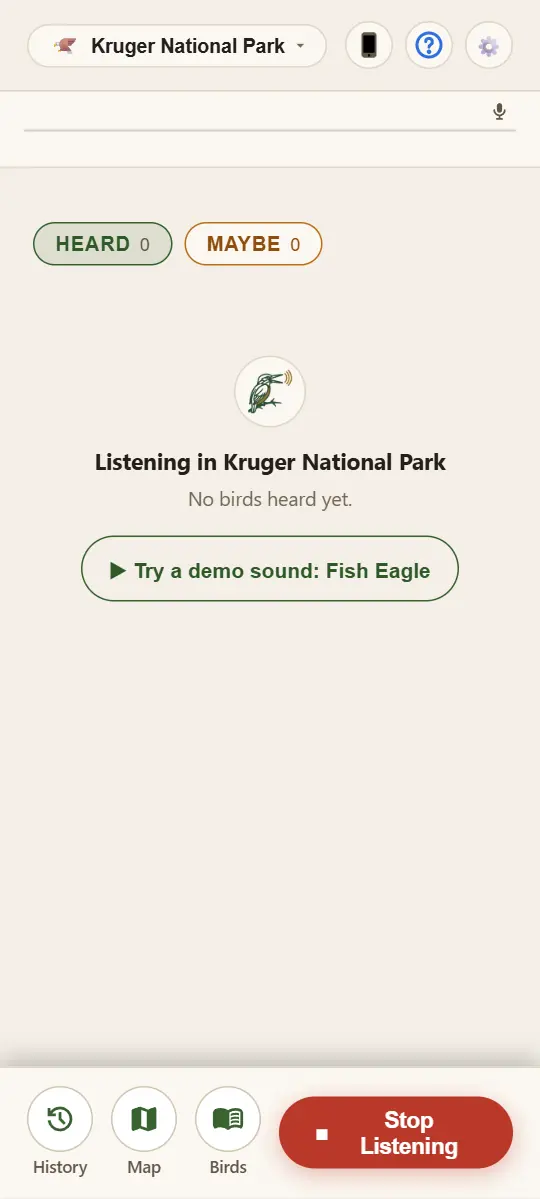
Veldsong listening in the Kruger Park, with no birds heard yet

Call 1

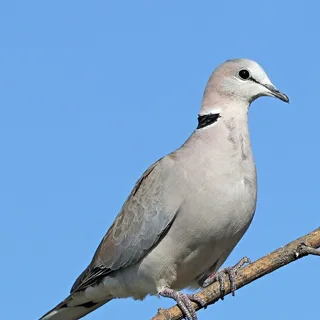
A three-note coo, over and over.

Ring-necked Dove

Heard

Call 2

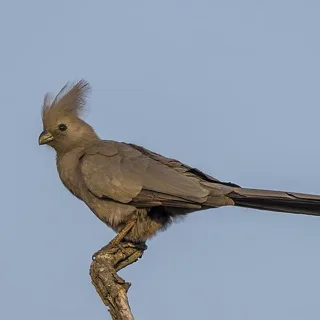
A loud, nasal “go-away”.

Grey Go-away-bird

Heard

Call 3

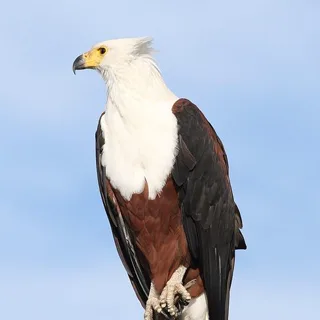
A ringing, yelping cry.

African Fish Eagle

Heard

Recordings we played to Veldsong, and the screens it showed.

On the morning drive

Every bird lands on the map

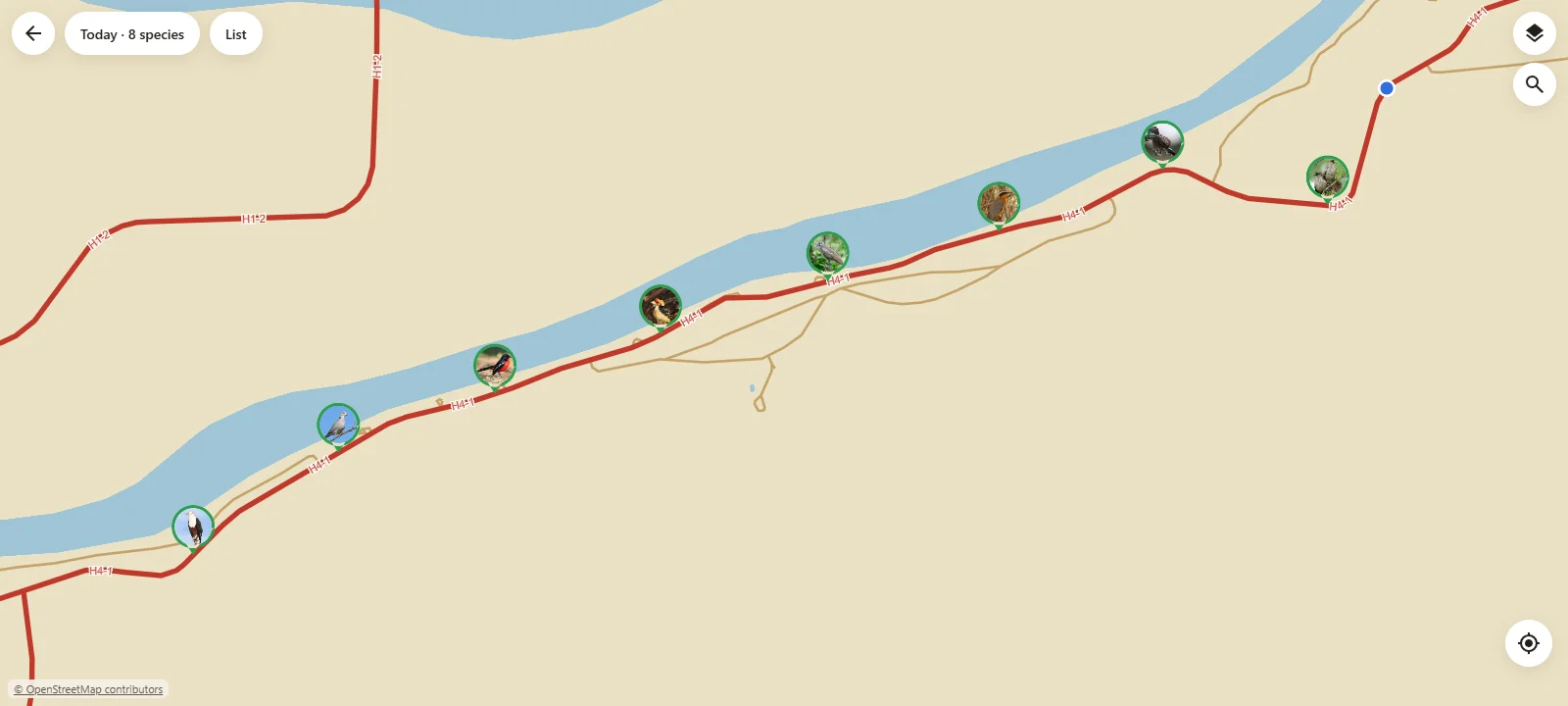
On a drive, open your window: Veldsong can't hear birds well through glass. Each bird is pinned where you heard it, with the name of the nearest place, such as Skukuza Rest Camp. On a drive, pins sit on the road. On foot, they go exactly where you are.

The whole park is on it: roads, rest camps, gates, picnic spots and hides. Tap a camp to see its facilities, or search for a place by name. If your phone can't tell where you are, touch and hold your spot on the map, and Veldsong pins your birds there.

An example day on the map: eight birds pinned along the H4-1 road by the Sabie River

A morning on the H4-1: two birds on the drive, five at Nkuhlu Picnic Spot, then a search for Satara. Map data © OpenStreetMap contributors

At the hide

The longer you listen, the more you hear

Many birds call only now and then. At a hide or a picnic spot, lay your phone on a table in the open, out of the wind. Tap Start Listening and leave it.

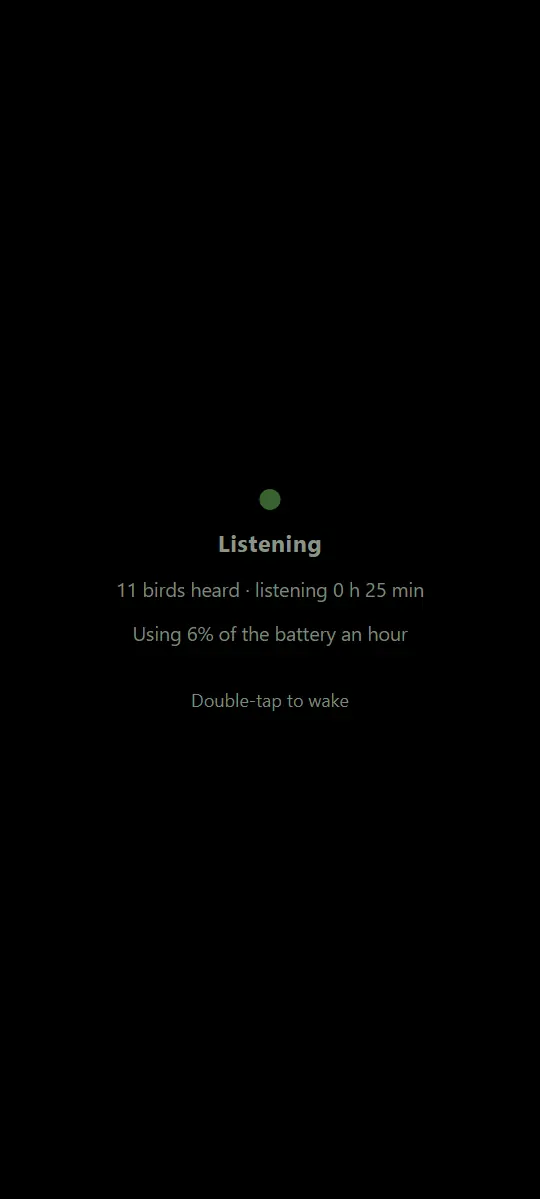
After five minutes without a touch, the screen goes black to save your battery, but Veldsong keeps listening. Tap twice to see who's been calling.

And when Veldsong isn't sure of a bird, it listens once more with the background noise taken out.

Veldsong's dark screen while it listens: eleven birds heard in 25 minutes, using 6% of the battery an hour, and the words Double-tap to wake

What was that?

Check it yourself

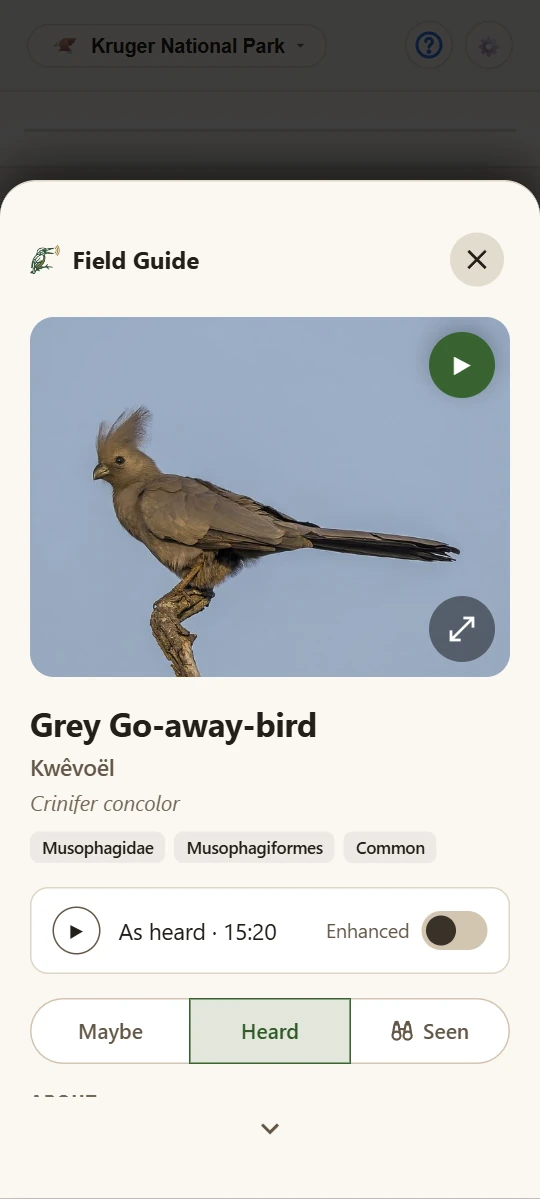
No ear is perfect, and Veldsong's isn't either. Tap a bird it heard to see its photo and read about it. For many birds you can also play its own call and compare it with what Veldsong heard. Think it got one wrong? One tap moves it to Maybe.

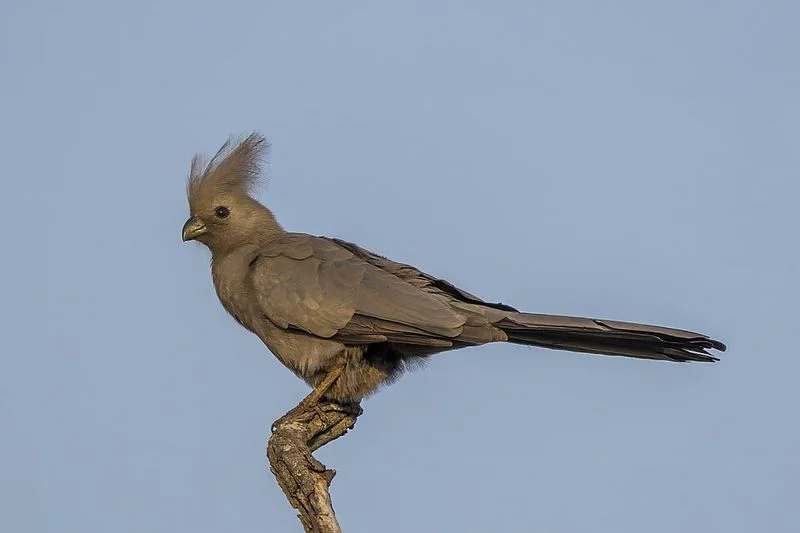
A Grey Go-away-bird on a branch against the sky

Grey Go-away-bird

Kwêvoël

Crinifer concolor

Listen for the Ring-necked Dove calling in the background. Veldsong can name it too.

The Grey Go-away-bird's page in Veldsong, with its photo, its names, its call and what Veldsong heard

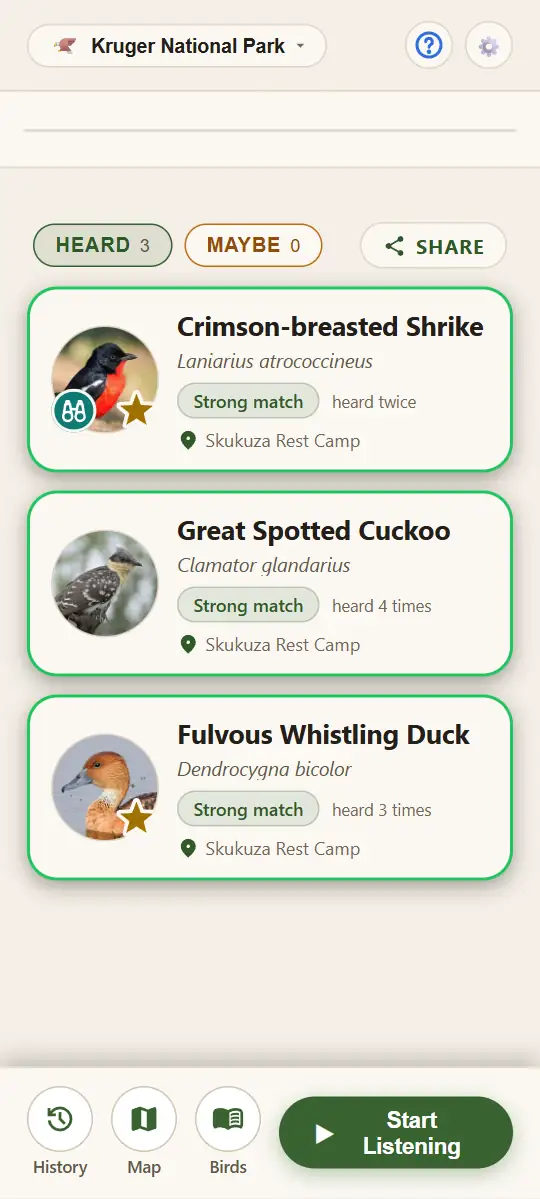
If Veldsong heard a bird and you spot it too, tap Seen on its page. A pair of binoculars then marks its photo. A gold star marks the park's very rare birds.

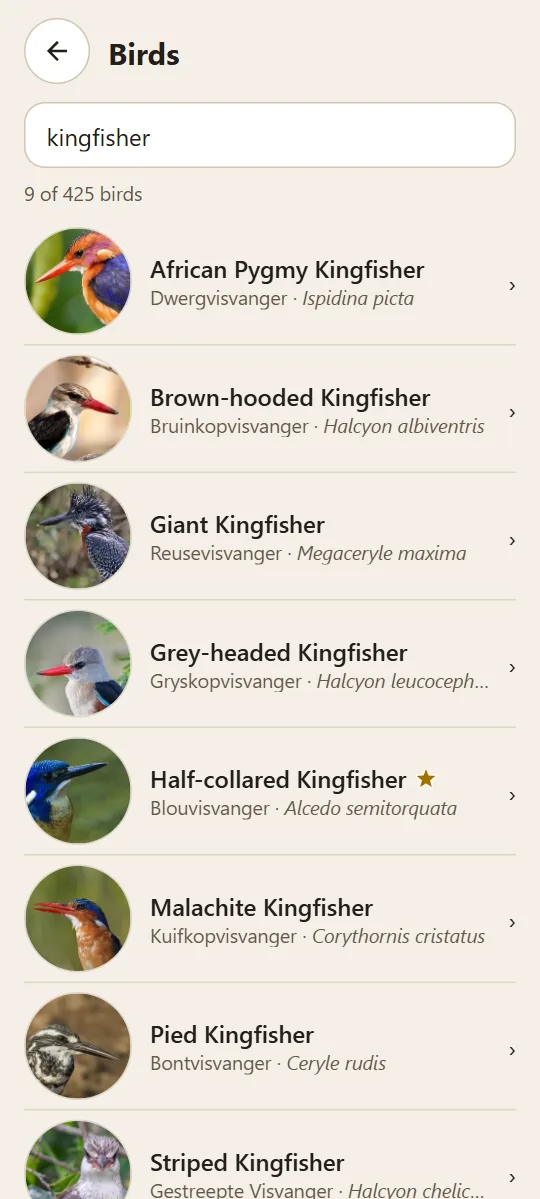
Your list holds only the birds Veldsong heard. To look up any other bird, tap Birds, a field guide to the whole park, and find it by name.

Birds under Heard, the Crimson-breasted Shrike marked Seen by binoculars on its photo, beside its gold star
Birds in Veldsong, searched for kingfisher: nine kingfishers, each with its photo, one with the gold star

Back at camp

Your day, bird by bird

By the time you're back at camp it's getting dark, and Veldsong knows it. From dusk to dawn the whole app, the map too, turns to night colours by itself.

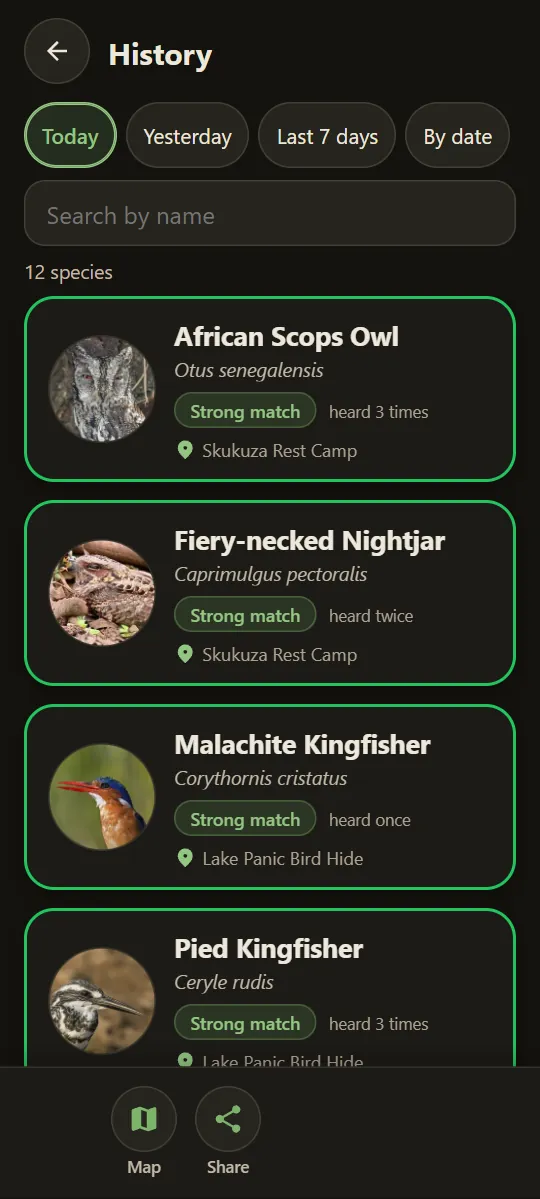
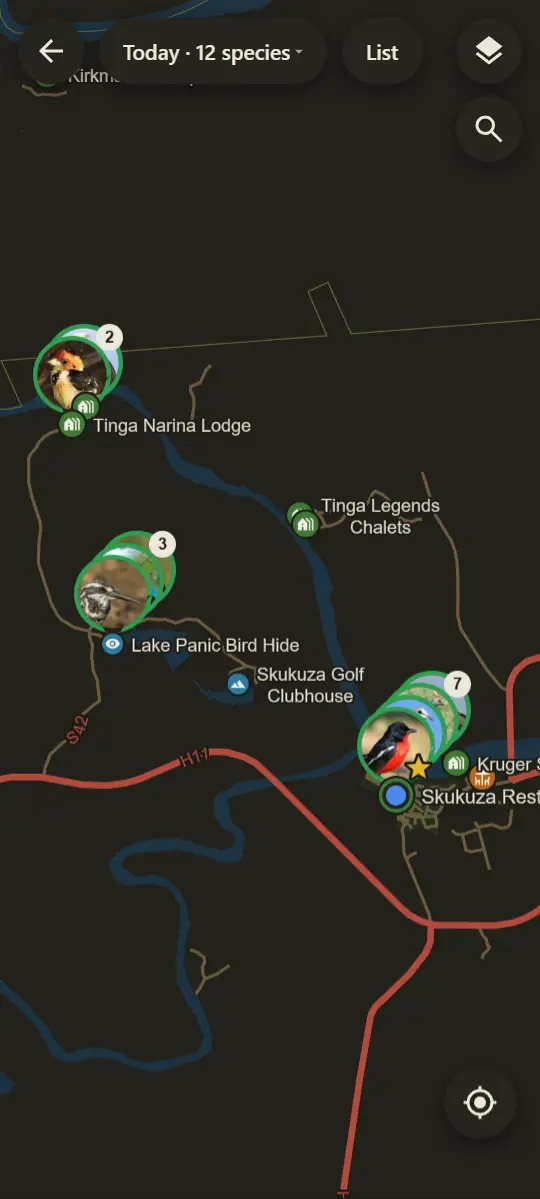
History keeps every bird you've heard, day by day, on a list or on the map.

History in night colours, with the day's birds and where each was heard
History's map in night colours: the day's birds at Tinga Narina Lodge, Lake Panic Bird Hide and Skukuza, where you are

Round the braai

Share the day

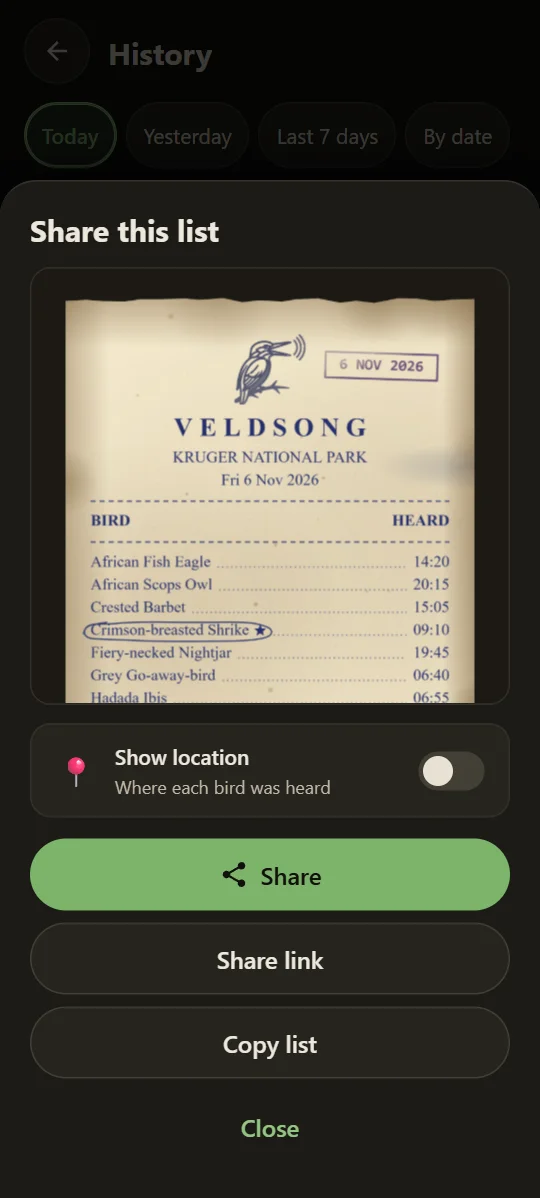
When someone round the braai asks what you heard, send them your bird receipt with the day's birds on it, in WhatsApp or any other chat. They don't need the Veldsong app to see it.

Only the birds under Heard go on it. It says where you heard them only if you turn on Show location.

The day's bird receipt in night colours, ready to share

Lights out

Veldsong listens while you sleep

Some of the park's best voices come out only after dark, like nightjars and the deep hoots of an eagle-owl. Before bed, put your phone on its charger by the window or the tent door, tap Start Listening and leave it.

The screen goes black, but the phone stays awake and Veldsong keeps listening. In the morning, History shows who called while you slept. A moon on a bird's page means it's mainly active at night.

The sound itself is never saved or sent anywhere: all you'll find is your list of birds.

It stays on your phone

Veldsong does all its work on your phone. It can't even go online, so it can't send anything. The sound it hears is kept only long enough for you to play it back, and is never saved or sent anywhere.

Your sightings stay on your phone too. You decide whether to use location, and you can delete a sighting, or all of them, any time.

No account, no ads, no tracking.

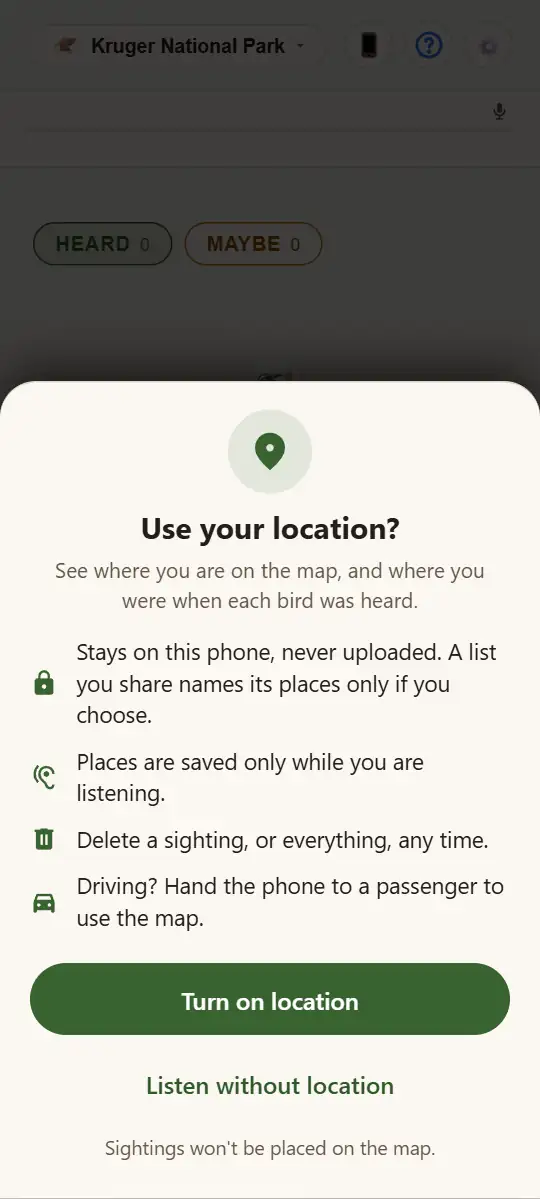
Veldsong asking whether to use your location

Before you buy

Veldsong is a paid app for Android 10 or newer, and everything for the Kruger Park comes with it. You'll find the price on Google Play, and its refund rules apply. An iPhone version is coming soon.

The calls, the photos and the map are all inside the app, so once it's installed you won't need signal. You'll only need the internet for updates.

Available nowThe Kruger National Park and the reserves that border it.

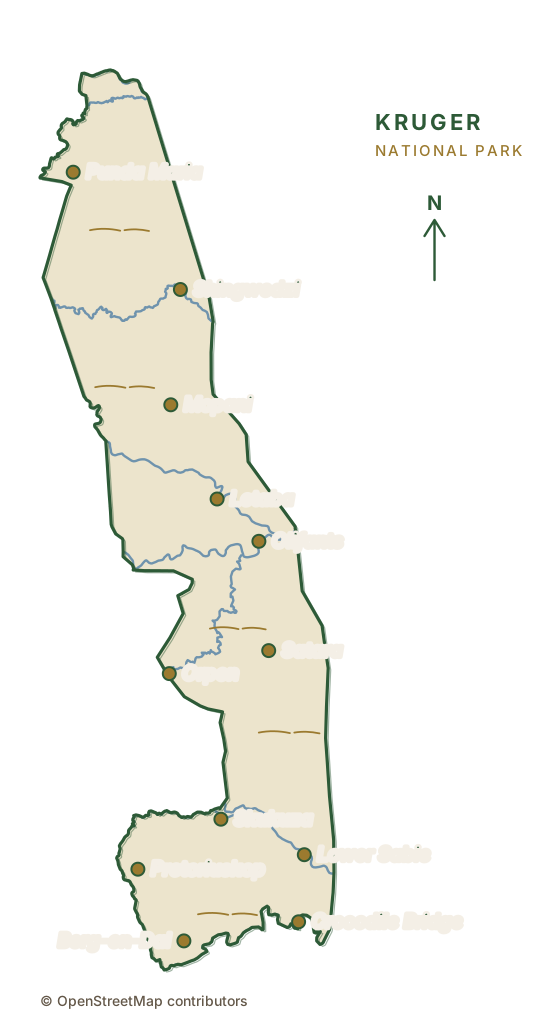
An outline of the Kruger National Park with its main rest camps

Questions

How good is it?
It knows the calls of over 360 of the park's birds, and a name usually pops up a few seconds after a bird calls. It's not perfect. It can miss faint or distant calls, it puts birds that sound alike on one card, and there are birds whose call it can't recognise yet. For many birds you can play the bird's own call next to what Veldsong heard, so you can check.
What if it names a bird that isn't there?
Usually another bird's call sounded like it, or a sharp sound fooled it, such as a car door or a camera shutter. Be wary of a bird it heard only once. A real bird usually calls again, and its card counts how often. Open its page, compare its call with what Veldsong heard, and tap Maybe if you don't agree. If the same bird keeps turning up, open its page and tap Ignore this bird. You won't see it again until you stop ignoring it, under Birds.
Does the screen have to stay on?
Yes, Veldsong listens only while it's open on the screen. But after five minutes without a touch it turns the screen black to save battery, and keeps listening. Tap twice to wake it.
Can I move my sightings to a new phone?
Yes. In Settings, tap Back up and restore, then Back up my sightings, and send the file to yourself by email, WhatsApp or Google Drive. On the new phone, open Back up and restore in Settings, tap Restore sightings and pick the file. Your birds come across with their times and places.

Veldsong is on Google Play

For Android 10 or newer, and coming soon to iPhone.

Get it on Google Play

How to use Veldsong